Starting at
€24.99 / year
- Unlimited Website Usage
- Premium support
- 40% discount on renewal
- 30 days money back guarantee
- Secure checkout

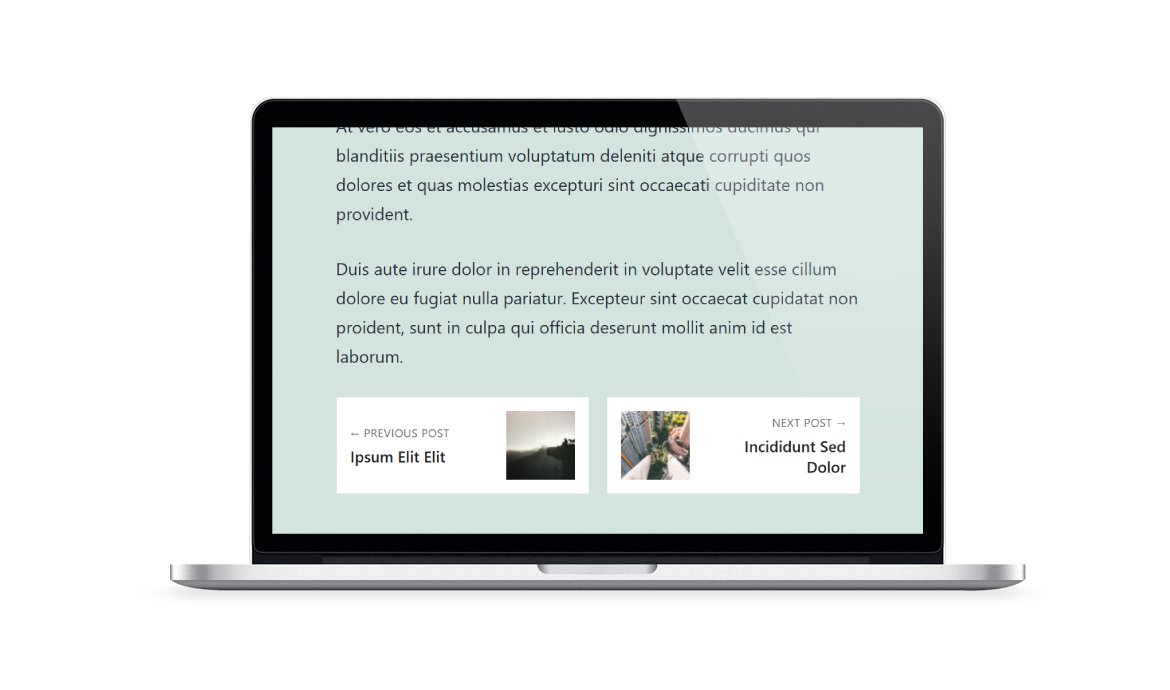
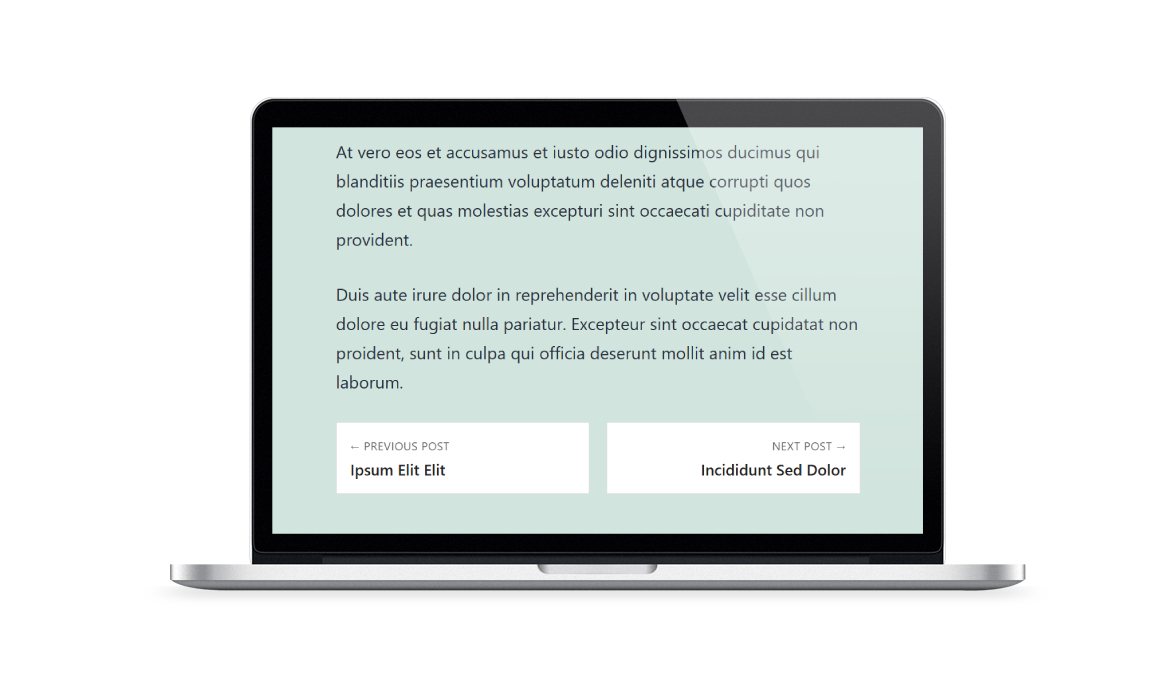
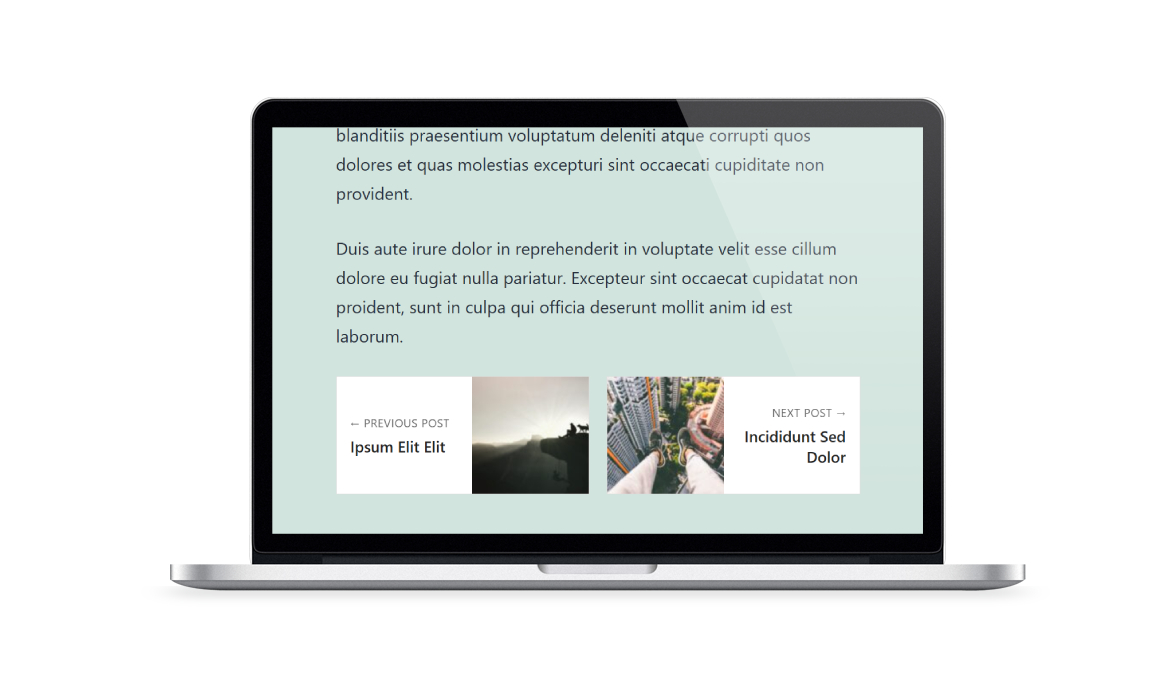
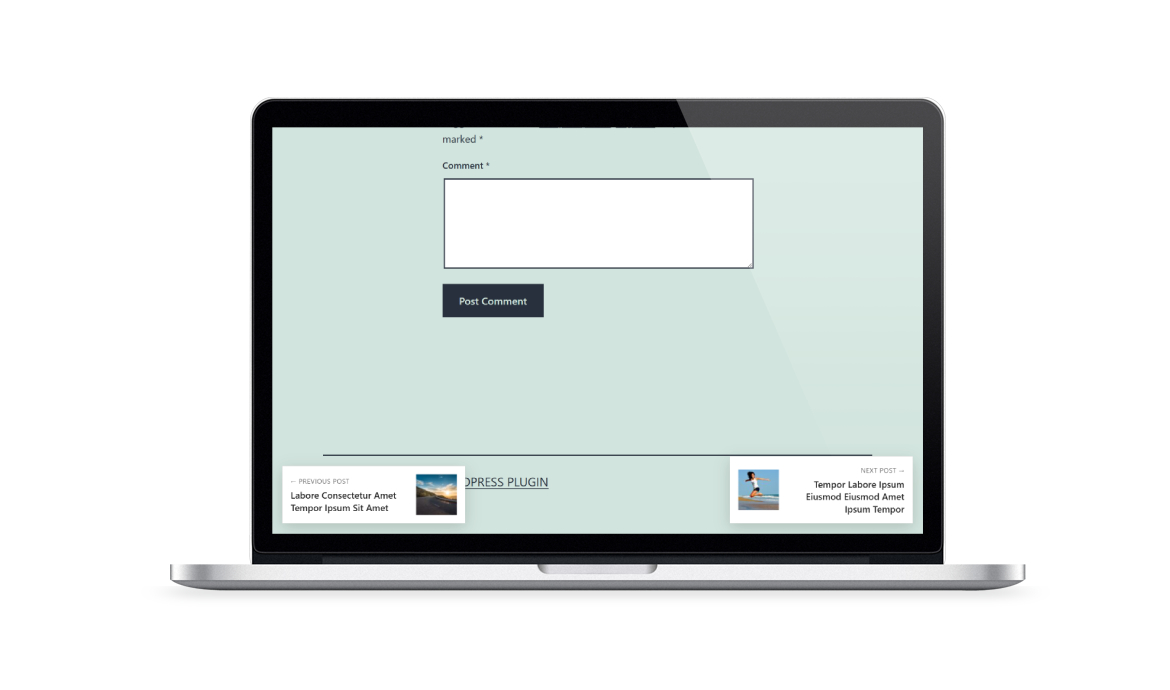
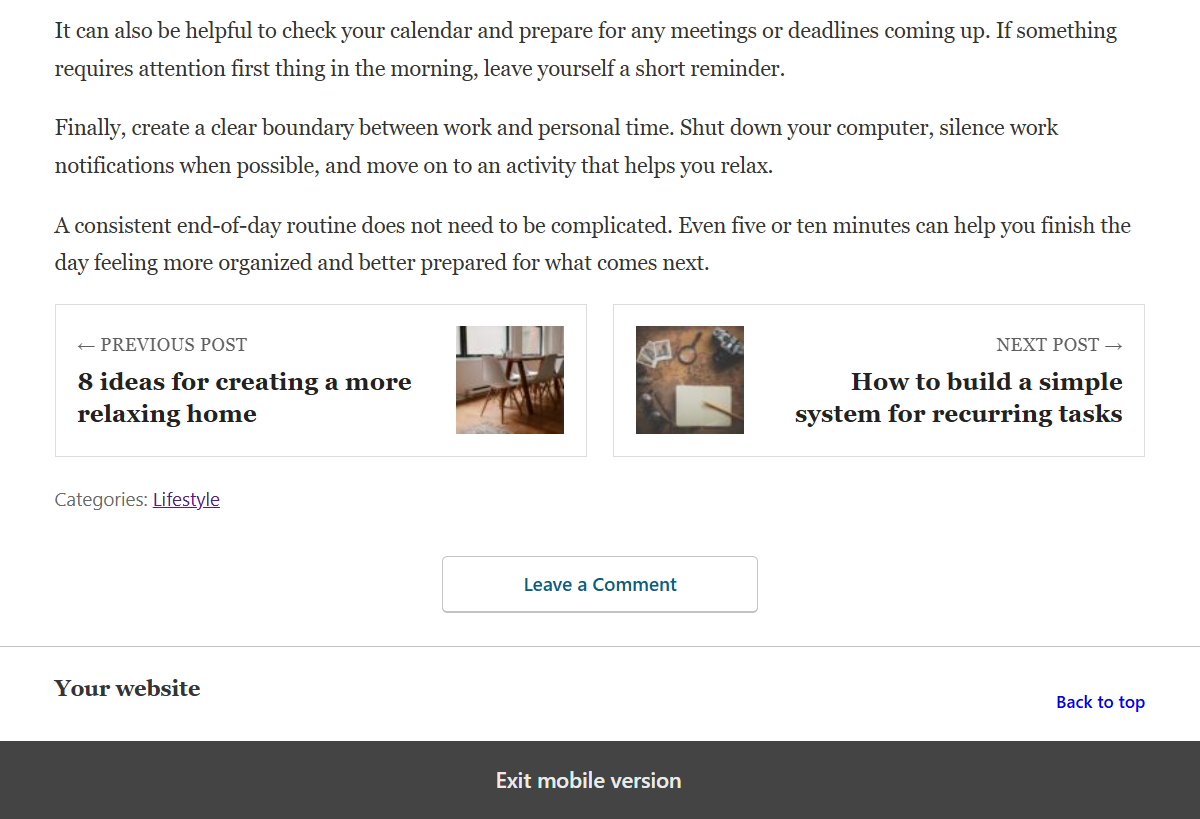
TIP Next Post Pro makes it easy to add previous and next post navigation, helping visitors discover more of your content and decide what to read next.
Help visitors continue browsing with clear Previous/Next links at the end of your posts, using the navigation method that best fits your content.
Use standard chronological navigation or choose smarter methods based on categories, tags, titles, custom keywords, or AI-powered semantic analysis.
Important: The AI Engine is not included with the Personal plan.
Compare the free and premium versions to see what's included and decide if premium access is right for you
Plugin feature
Free
Premium
Custom colors
Custom top and bottom margins
Standard Previous / Next navigation
Option to edit the_content hook priority
Shortcode
Tested up to
7.1.3
7.1.3
Requires PHP
5.3
5.3
Layouts
2
3
Typography controls
Floating navigation
Combined inline and floating navigation
AI EngineAI Engine can identify previous and next posts whose meaning and context are most relevant to the current content.Important: This feature is not included with the Personal plan.
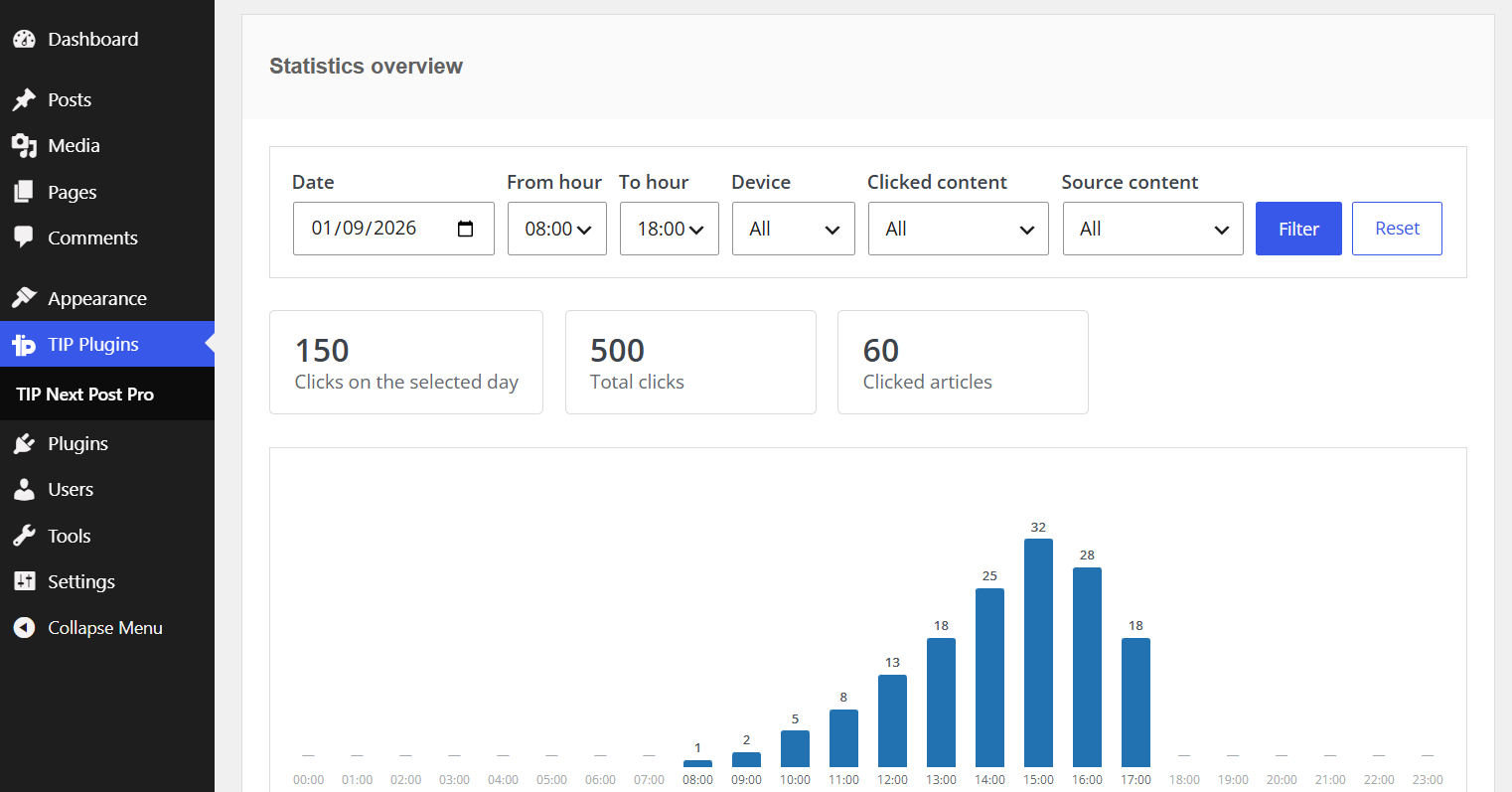
Click statisticsMonitor how visitors interact with the post navigation links, with filters, hourly charts, device data, and detailed click events.
Category and tag navigation methods
Post-title navigation methods
Custom-keyword navigation methods
Hide posts without featured images
Placeholder image fallback
Exclude specific categories
Exclude specific tags
Exclude specific posts
Per-post custom keywords
Device-based visibility
Order candidates by
Sort direction
Classic Editor shortcode generator
AMP-compatible navigation
Custom post type support
WordPress page support
Automatic settings migration
Explore all the advanced features of TIP Next Post Pro
Display previous and next post links based on content meaning and context, with support for OpenAI and local Ollama models. Important: This feature is not included with the Personal plan.

Monitor how visitors interact with your previous and next post links, with filters, hourly charts, device data, and detailed click events.
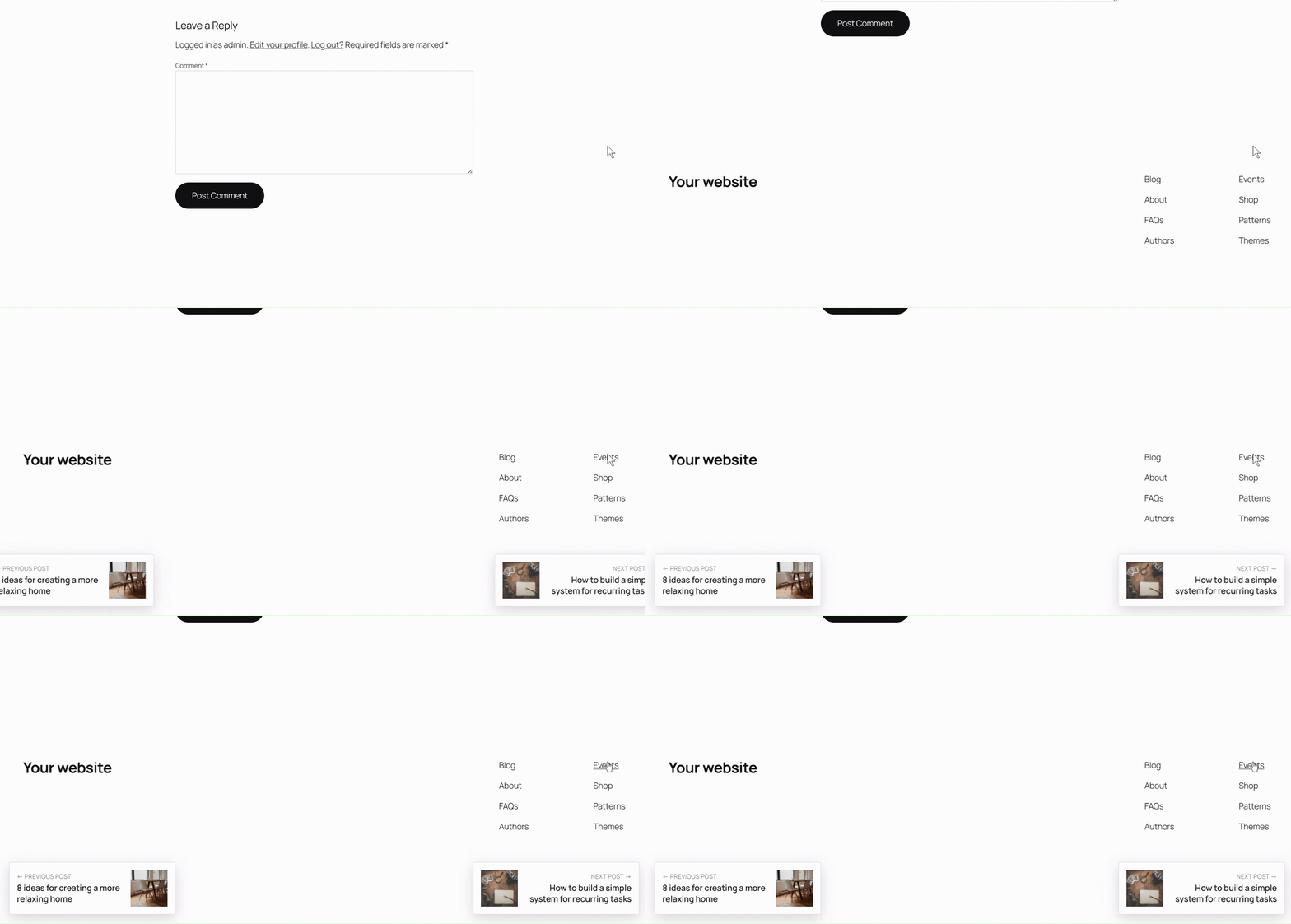
Display previous and next post cards at the sides of the viewport as visitors scroll.
Choose whether to display the previous and next post links on all devices or only on specific ones, such as desktop, tablet, or mobile. This allows you to customize post navigation for different devices and improve the browsing experience across screen sizes.

Go beyond the chronological navigation available in the free version by selecting previous and next posts based on categories, tags, post titles, or custom keywords. This gives you more control over how posts are connected and helps visitors discover more relevant content.

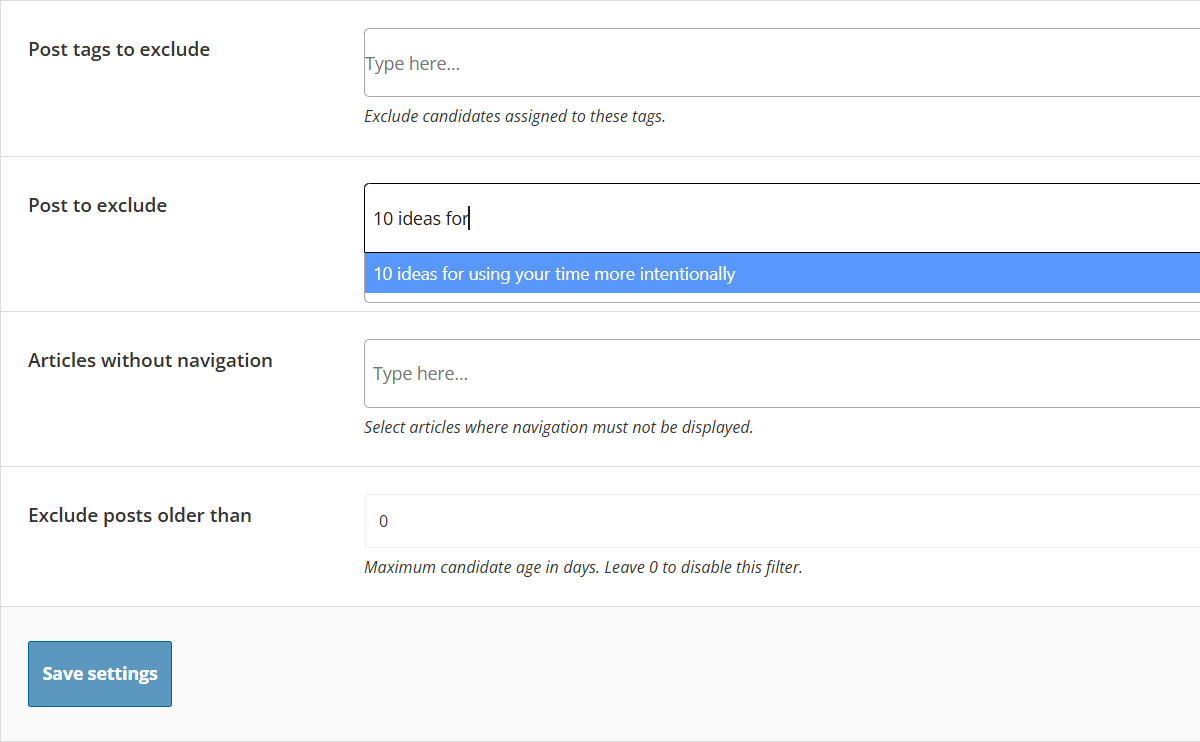
Use the dedicated search box to exclude one or more posts from being selected as previous or next navigation destinations. This allows you to prevent specific content from appearing in the post navigation while keeping navigation enabled on those posts.
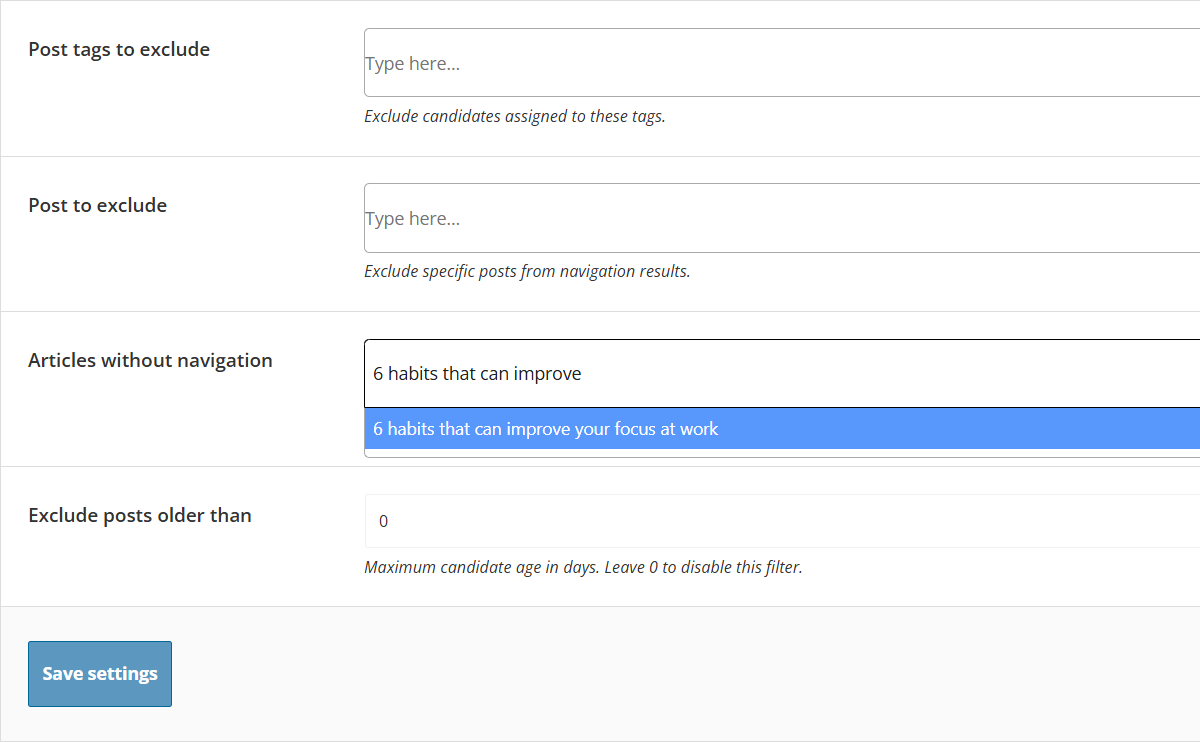
Choose specific posts where previous and next post navigation should not be displayed. This allows you to hide the navigation entirely on selected content without excluding those posts from being used as navigation destinations elsewhere.
Enable previous and next post navigation for specific custom post types or WordPress pages. With this feature, you can extend TIP Next Post Pro beyond standard posts and display navigation within your custom content types. For pages, navigation can also be based on parent/child relationships or custom keywords, depending on the selected search method.

Ensure proper display of previous and next post navigation on AMP (Accelerated Mobile Pages) pages. With this feature, TIP Next Post Pro integrates with AMP technology so post navigation is displayed correctly on AMP-enabled pages. This helps provide a consistent browsing experience across AMP and non-AMP versions of your website, making it easier for mobile visitors to continue exploring your content.
Find clear answers about the plugin, access periods, updates, support coverage and licensing
Buy TIP Next Post Pro by choosing one of our available solutions.
€ 24.99 / year
€ 49.99 / year
€ 114.99 / lifetime
Your purchase is covered by a 30-day money-back guarantee. If it’s not the right solution for you, you can request a refund within 30 days of purchase.