TIP Related Posts
- Current version: 1.0.6
- Last updated: September, 10 - 2026
- View Changelog
- View roadmap
- Online documentation


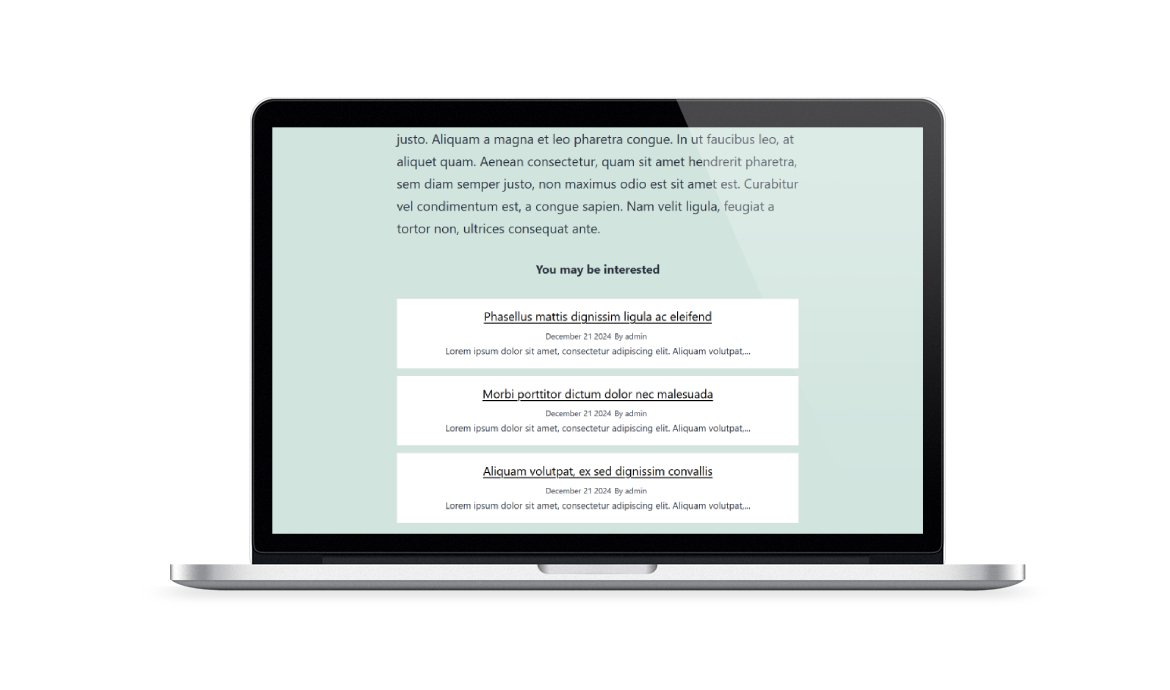


The perfect plugin to easily display related posts in your WordPress articles. It offers various options to fetch content based on categories, titles, or keywords, and includes the new AI Engine search method.
Using OpenAI or Ollama models, AI Engine can identify more relevant related posts by analyzing the meaning and context of your content.
Benefits:The plugin also supports custom post types such as WooCommerce products.
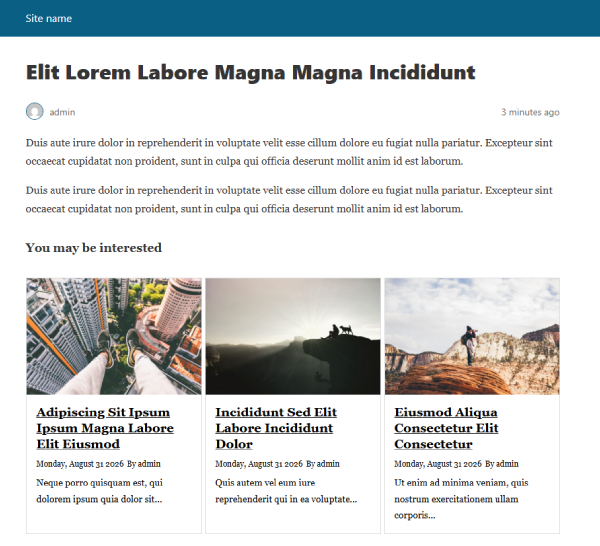
Customize the appearance with 4 predefined layouts, hiding elements such as images, titles, dates, or authors. Integrate related posts into dynamic carousels or use the dedicated shortcode to display them anywhere in your content.
Review the differences between the free and premium versions and discover the features included with your plugin access.
Plugin feature
Free
Premium
Custom colors
Option to edit the section title
Typography settings
Option to edit the top and bottom margin
Related posts based of post category
Related posts based of post tag
Option to edit the_content hook priority
Shortcode
Tested up to
7.1.2
7.1.2
Requires PHP
5.3
5.3
Layouts
3
4
Columns
1 to 3
1 to 5
Number of related posts
1 to 6
Unlimited
Carousel
AI EngineAI Engine can identify more relevant related posts by analyzing the meaning and context of your content.
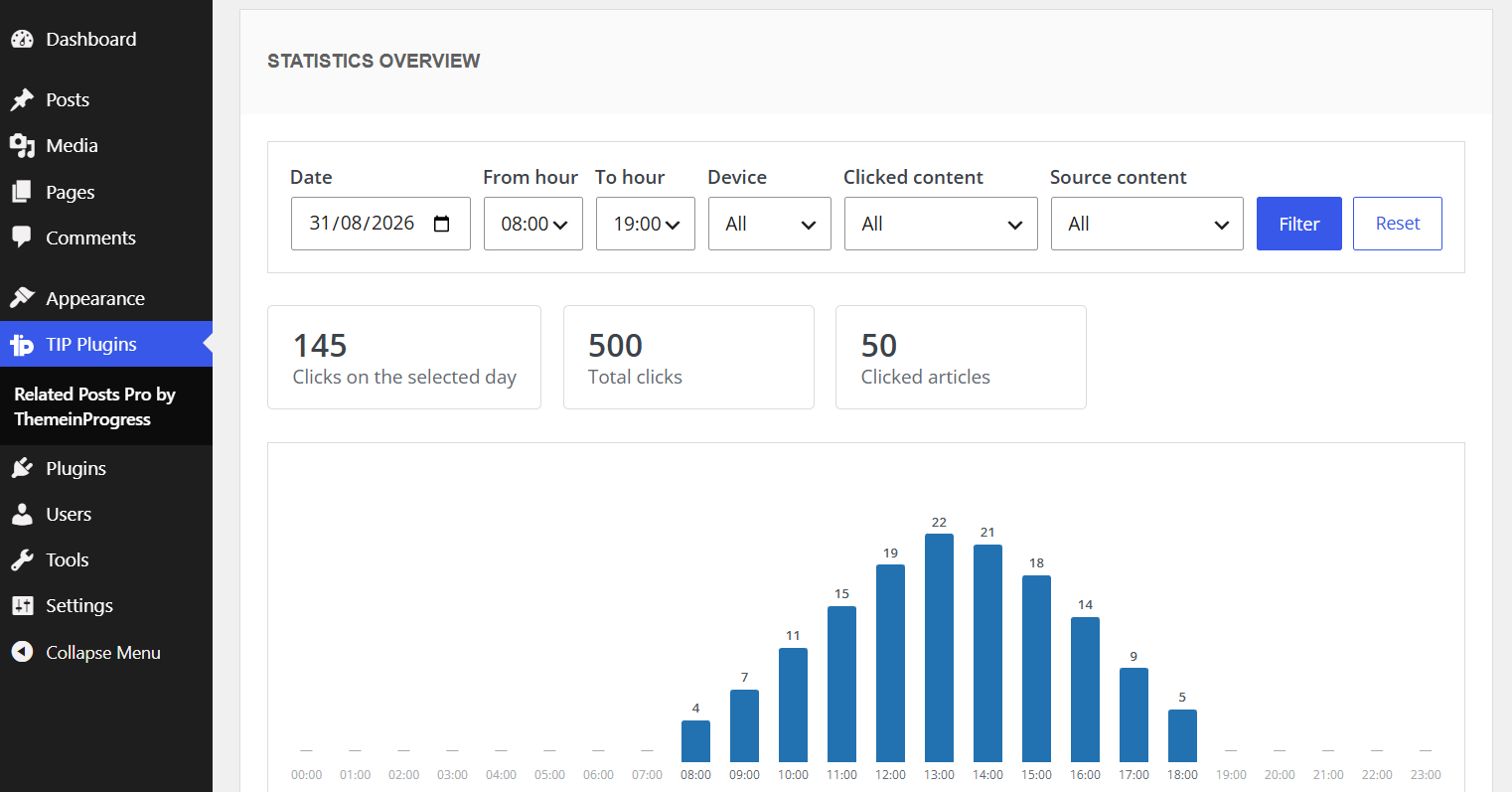
Click statisticsMonitor how visitors interact with your related posts, with filters, hourly charts, device data, and detailed click events.
Related posts based of category and post tags
Options to manage the featured image (eg width, height, crop function)
Additional options to manage the post elements
Option to exclude specific categories
Option to exclude specific tags
Option to exclude specific posts
Custom keywords
Device selection
Order by option
Sort order option
Shortcode generator
AMP support
Custom post types support
WordPress pages support
Automatic data import
Backup section
1 click upgrades
Explore all the advanced features of Related Posts Pro WordPress plugin by ThemeinProgress
Display related posts based on content meaning and context, with support for OpenAI and local Ollama models.
Important: This feature is not included with the Personal plan.
Monitor how visitors interact with your related posts, with filters, hourly charts, device data, and detailed click events.
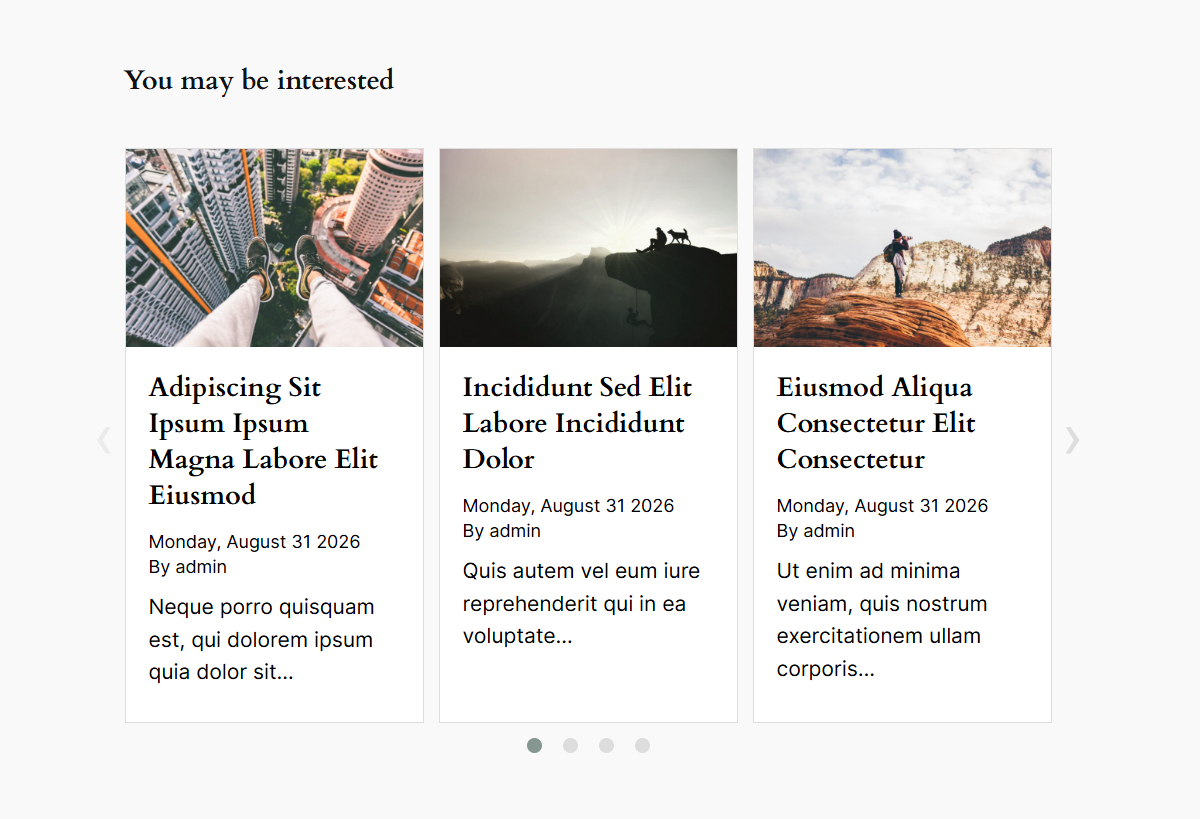
Turn your related posts into a responsive carousel, helping visitors discover more content without taking up additional page space.
You have the option to either select all devices or choose specific ones, such as desktop, tablet, or mobile, where you want to display the related content. This feature allows you to target your audience effectively by optimizing the presentation of related posts on the preferred devices, enhancing user experience and engagement across different platforms.

Expand beyond the limitations of the free version by leveraging the plugin to load related posts based on categories, tags, post titles, or custom keywords. Enhance relevance and user experience by precisely targeting related posts to match specific criteria and topics.

Customize the ordering of related posts. Choose from sorting criteria like post date, title, or random order to optimize user experience.

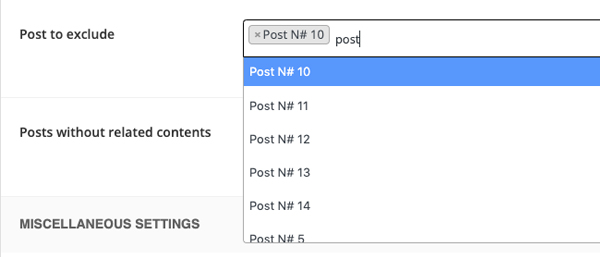
With the dedicated search box, you have the ability to select one or more article to be excluded from the list of related posts. This feature allows you to finely curate the related posts by excluding specific articles that may not align with your desired criteria or relevance. By excluding these posts, you can ensure that only the most appropriate and valuable content is presented to your users, enhancing their browsing experience and optimizing engagement.
Enable the display of related posts for specific custom post types or WordPress pages. With this feature, you can extend the plugin's functionality to include related posts within your unique custom post types. Additionally, it is possible to include related posts in pages by linking child pages or based on custom keywords.

Ensure proper display of related posts on AMP (Accelerated Mobile Pages) pages. With this feature, the plugin seamlessly integrates with AMP technology, allowing the related posts to be accurately presented on AMP-enabled pages. This ensures a consistent user experience across AMP and non-AMP versions of your website, maximizing engagement and providing relevant recommendations to your mobile audience.
Find clear answers about redeem codes, license activation, downloads, updates, support coverage and product usage.
Enter your redeem code to activate your license key and download the premium version of the plugin.
| Product | Plan |
| TIP Related Posts WordPress plugin | Lifetime |